

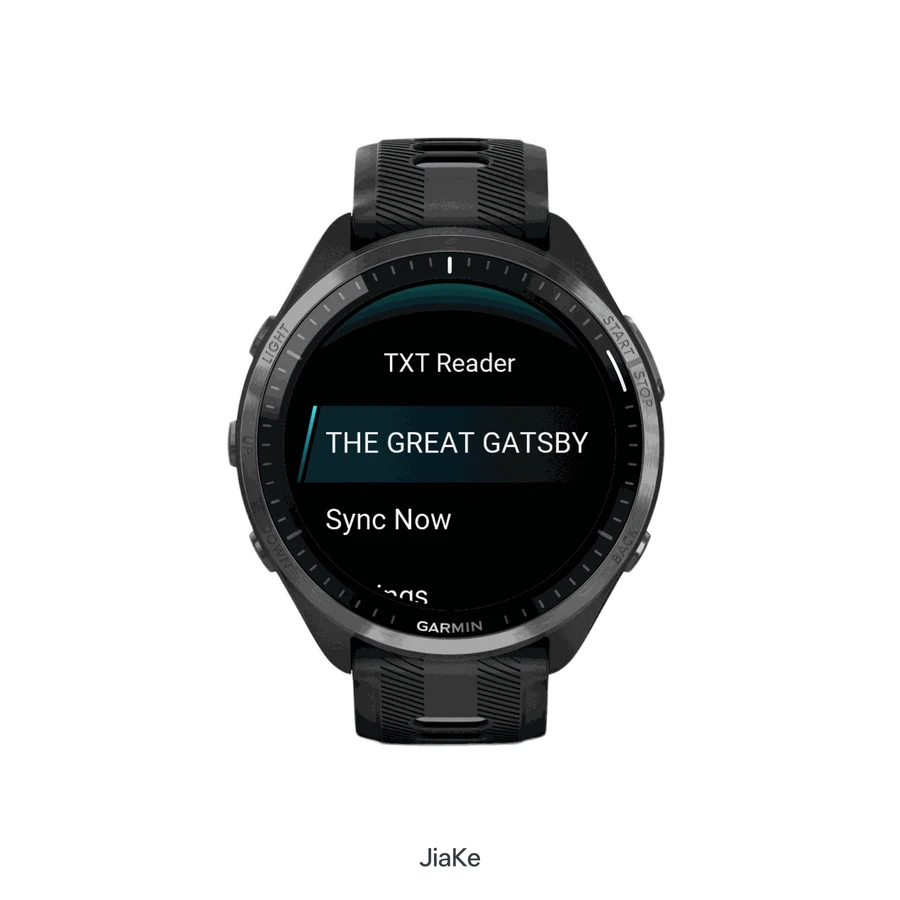
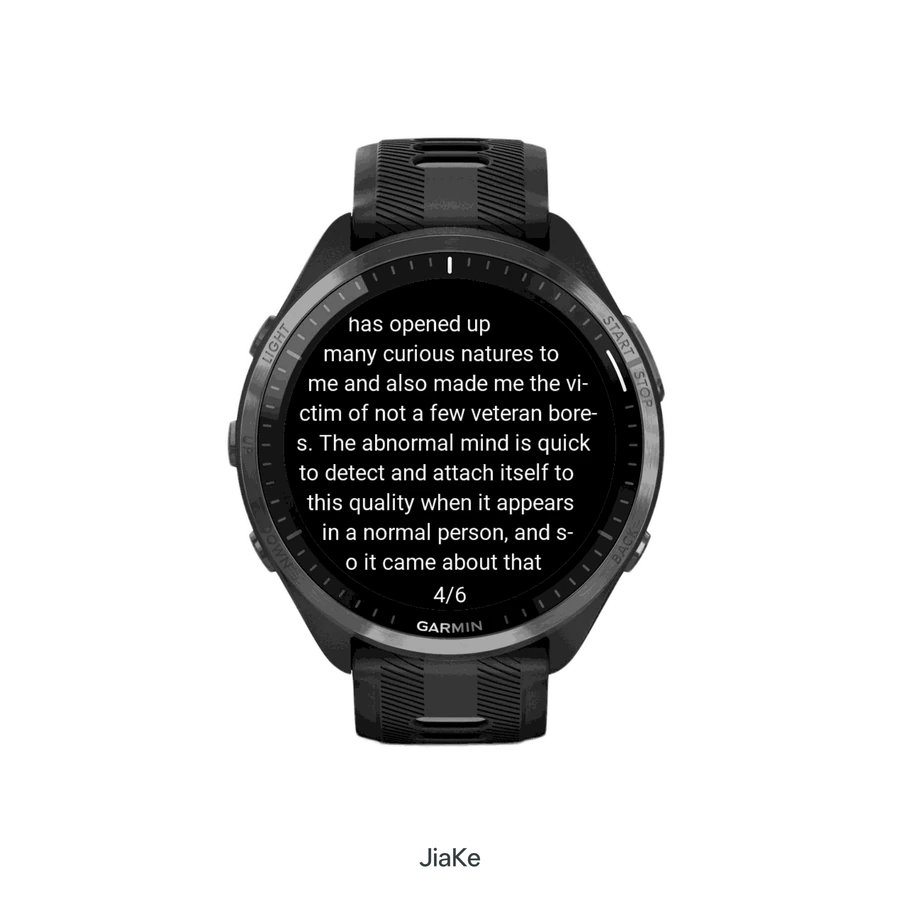
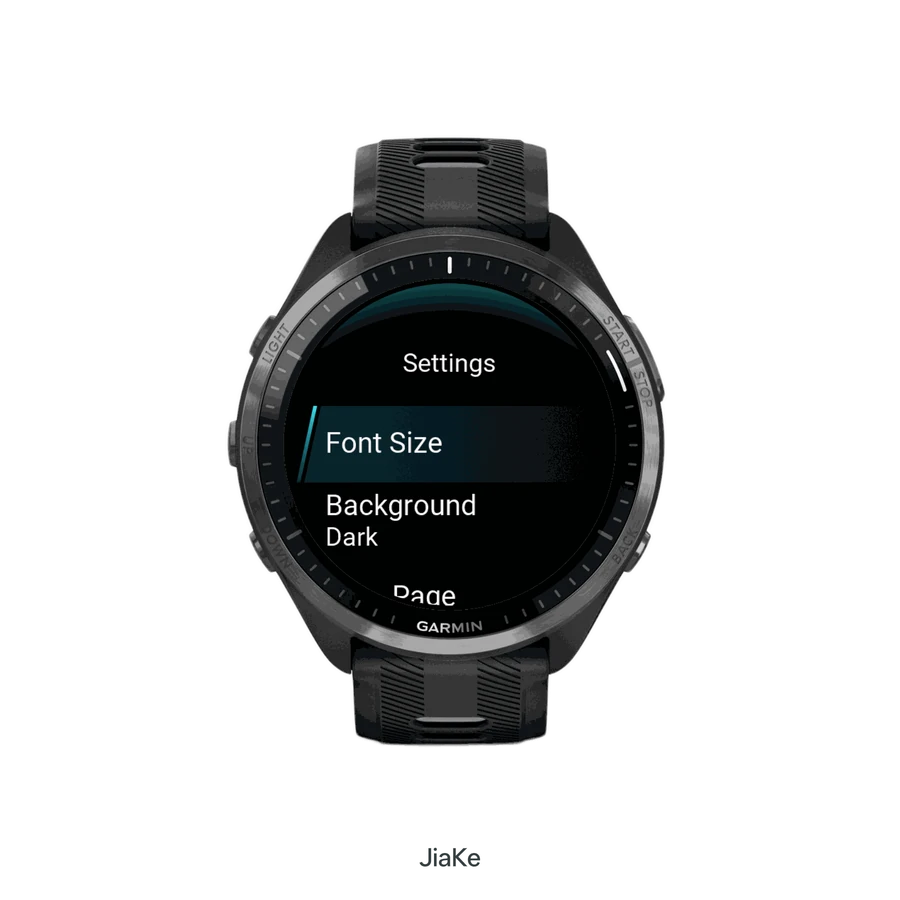
Chapters, not entire libraries
Send a few chapters of a novel or public-domain book for commutes, travel, or training gaps. Long sessions still belong on a phone or e-reader.
The web companion for TXT Reader
Upload a TXT file in the browser, review detected chapters, and sync only what you choose to a compatible Garmin watch. No TXT Reader phone app is required.
Pair with a four-digit code. The watch downloads over HTTPS, using Wi-Fi or Garmin Connect’s network bridge.
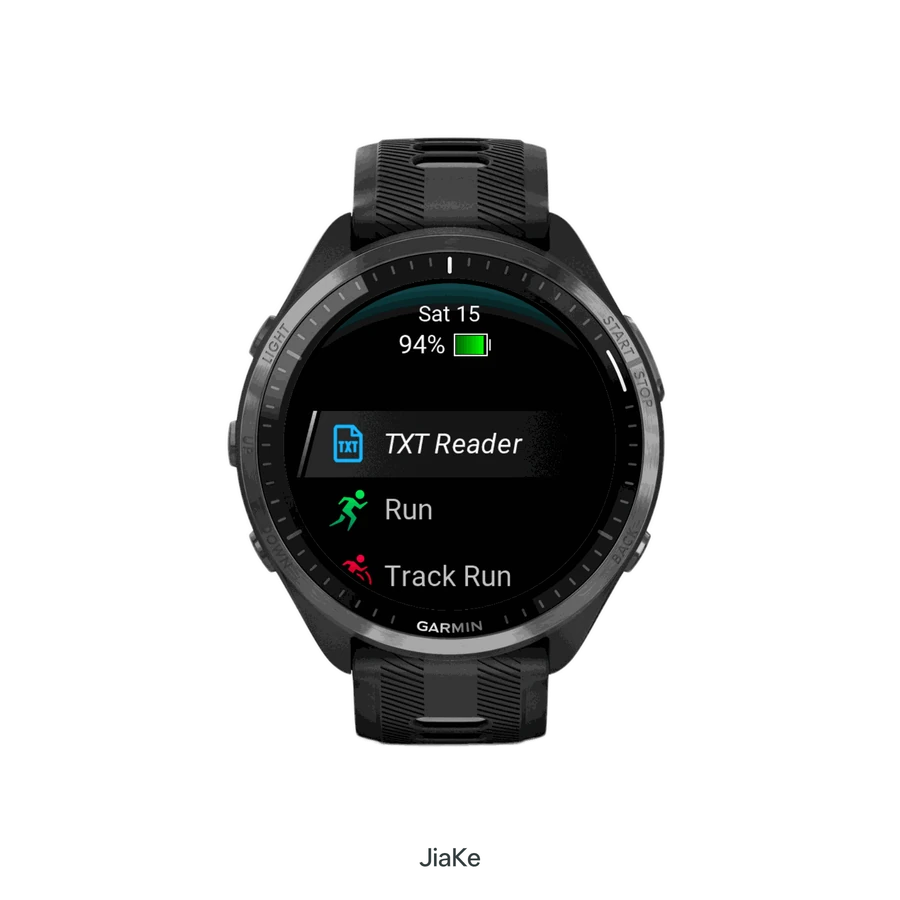
Check that the published app supports your model, install TXT Reader, then follow the guide with a short sample. You can inspect the workflow before signing in.
Setup
The website prepares the book. The Connect IQ watch app claims the queue and stores finished chapters for offline reading.
Open the Connect IQ Store on a compatible Garmin watch or phone and install TXT Reader. The watch app is the reader; this website is the library.
Sign in with Google, upload a UTF-8 or auto-detected TXT file up to 10 MB, and confirm the encoding before chapters are suggested.
On the watch, choose Pair Device. Enter the code at this website within 10 minutes. Each transfer stays tied to that specific watch.
Choose only the chapters you want, queue them, then tap Sync Now on the watch. Interrupted downloads can resume.
What people sync
A Garmin watch is not a Kindle. It is useful when pulling out a phone is inconvenient and a few screens of text are enough.
Send a few chapters of a novel or public-domain book for commutes, travel, or training gaps. Long sessions still belong on a phone or e-reader.
Keep cutoff times, aid-station lists, packing checklists, and course reminders on the watch when you cannot hold a phone.
Store short notes, word lists, and review sheets for language study or class prep during spare minutes.
Put a shopping list, packing list, or field checklist on the watch so it stays readable without a phone connection.
Choose the right path
This site is the browser-to-watch product. WristTale is the phone-companion product from the same developer. Older viewers still need an Android helper app.
| Need | TXT Reader (this site) | WristTale | gTxViewer |
|---|---|---|---|
| Phone app | Not required | Required | Android companion |
| Transfer | HTTPS from the watch | Bluetooth or network sync | Android helper |
| Formats | TXT only, 10 MB | TXT and Markdown | Text files |
| Chapter control | Select chapters in the browser | Preview and sync on the phone | Limited |
| Interrupted transfers | Resume from a saved cursor | Retry from the phone app | Depends on the helper |
Compatibility
TXT Reader supports Forerunner, fēnix, epix, Venu, vívoactive, Instinct, Descent, Enduro, MARQ, and other Connect IQ models in the published watch app. Compatibility follows the live Connect IQ listing.
TXT Reader 1.0.4 preview
Use the wider side of a supported Edge screen for longer lines of TXT. Choose portrait, landscape left or landscape right from the reading menu; the reading toolbar turns with the text.
Edge support is implemented in the local 1.0.4 build. It is not in the published 1.0.3 package yet. This preview is not an installation or hardware-acceptance guarantee; check the live Connect IQ listing before installing or paying.
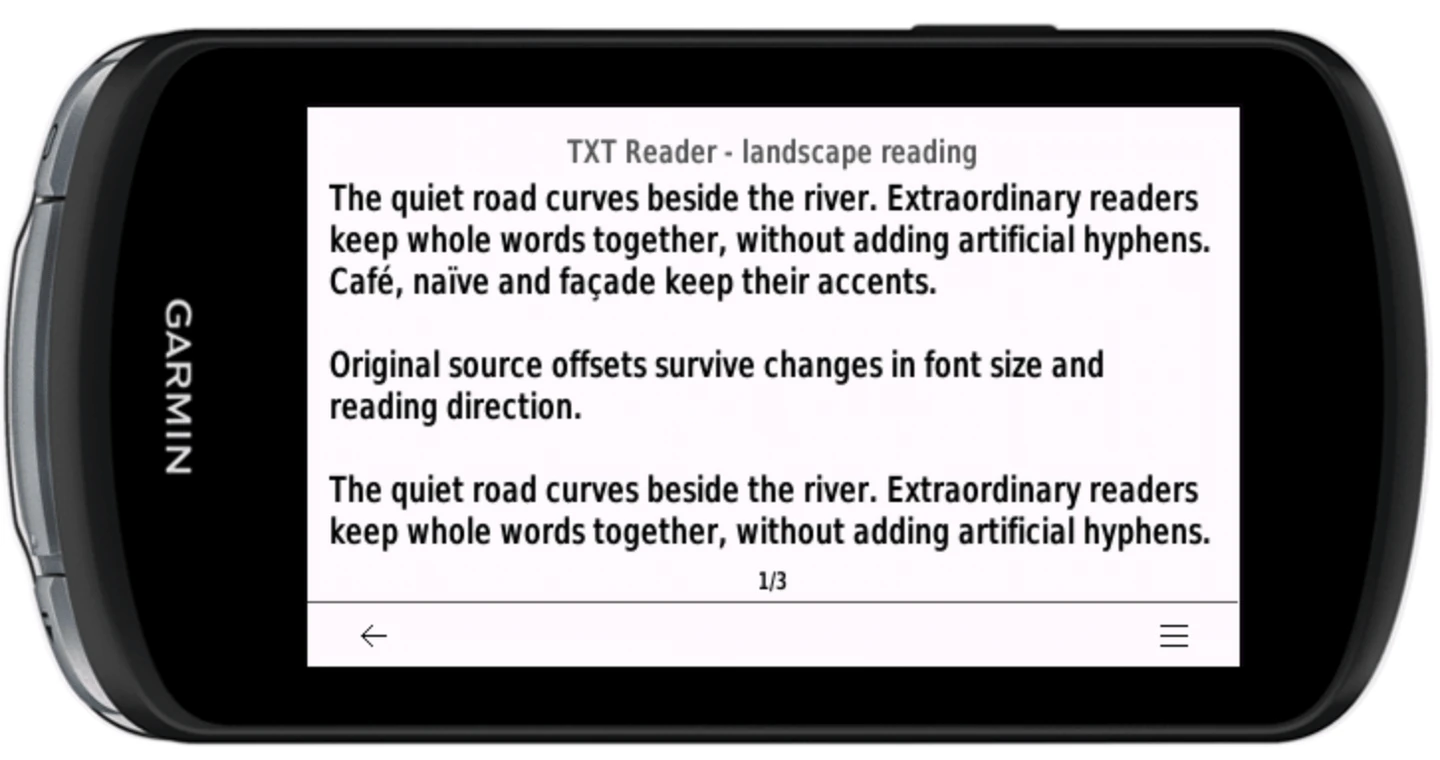
Read while stopped. Do not operate the reader while riding or driving.
Limits
Questions, answered