
Comparison
TXT Reader vs WristTale
Both products come from the same developer and both put text on a Garmin watch. They are not the same app. Choose the path that matches how you want to import files.
Updated September 13, 2026
Short answer
Use Garmin TXT Reader on this website if you want to upload a TXT file in a browser, pair with a four-digit code, and let the watch download chapters over HTTPS. No TXT Reader phone app is required.
Use WristTale if you already live in a phone companion: import TXT or Markdown on iOS or Android, preview there, and sync with the WristTale watch app.
WristTale’s own product page is garmin-txt-reader on wristtale.com.
Side-by-side
| TXT Reader | WristTale | |
|---|---|---|
| Import | Browser upload | Phone app |
| Phone companion | Not required | Required |
| Watch app | TXT Reader on Connect IQ | WristTale on Connect IQ |
| Formats | TXT, 10 MB | TXT and Markdown |
| Transfer | HTTPS queue from the watch | Bluetooth or network sync |
| Chapter pick | On the website | On the phone |
| Billing | Stripe on this site | App Store / Play / CN Android |
| Best for | No extra phone app | Files already on the phone |
Which to use
Choose TXT Reader
- You do not want another phone app.
- The file is already on a computer.
- You want a device-specific HTTPS queue with resume.
- TXT is enough.
Choose WristTale
- You prefer importing from phone storage.
- You need Markdown.
- You already use the WristTale companion.
- You want the larger WristTale help and encoding-tool cluster.
Do not install both watch apps expecting one shared library. They keep separate books and pairing state.
What they share
Both are independent of Garmin Ltd. Both target short, offline reading on a small watch screen: novels in pieces, notes, race manuals, and lists. Neither replaces a Kindle for long sessions.
If you are comparing older Android viewers instead, see TXT Reader vs gTxViewer.
Choose the transfer workflow, not just the reader name
TXT Reader: browser to Garmin
Use this website to upload TXT, review chapters and queue a device-specific download. Choose it when you want to manage books on a computer or in a mobile browser without a separate TXT Reader phone app.
Open the Connect IQ listingWristTale: a separate phone companion
Choose WristTale if you prefer its phone-based workflow, including TXT and Markdown preparation and its supported transfer methods. It is another product from the same developer, with its own installation and access rules.
Visit WristTale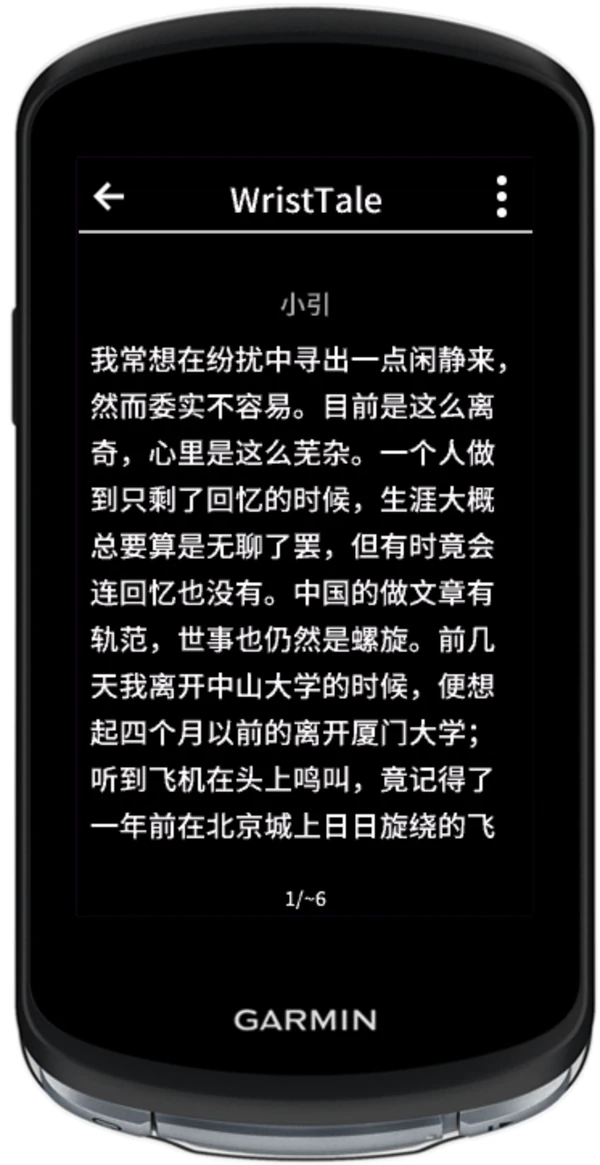
Installing one product does not automatically install the other or transfer an account, purchase or library between them.